How I organized my research project
By Almira
Last year (2025), I did my master's degree thesis on Phytoplankton. Before I started writing my research proposal, research paper and code, I scoured a bunch of articles and YouTube videos trying to figure out how to organize my research project, specifically in 4 major areas: a way to organize the papers I've read, a way to organize my presentations and weekly progress reports, a way to organize my research writeup, and a way to organize my code. It took me weeks to finally figure out what works for me and what doesn't. And the simpler the tools are, the better. In this post, I'll walk through the organization tools and templates I used to make my thesis writing more organized and efficient.
Organizing my paper library#
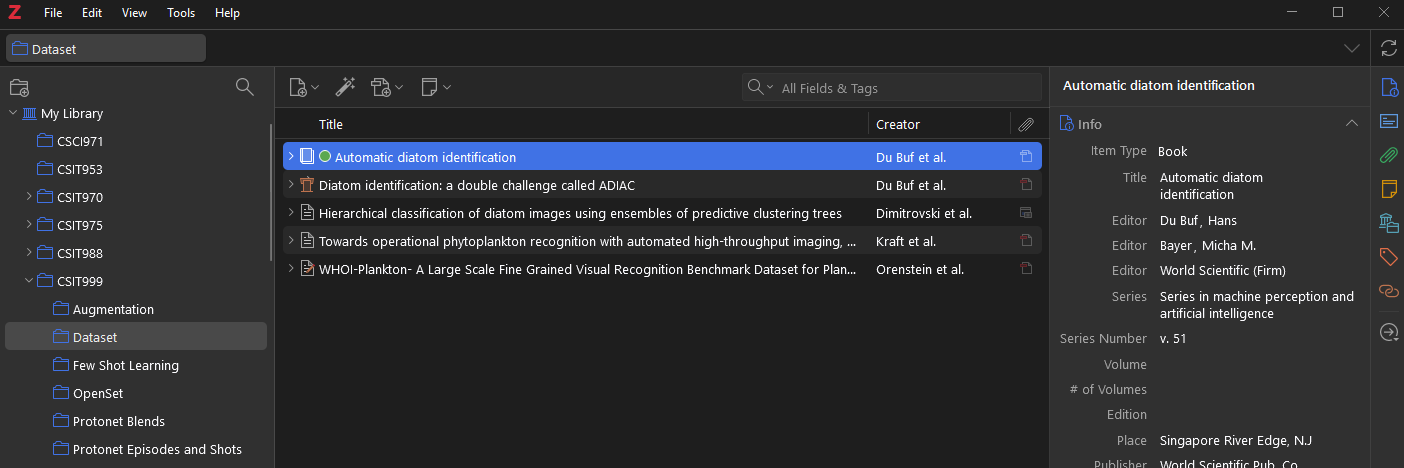
Okay so let's start with the first one, organizing my article/book library. Zotero (Download link) is one of the most popular research paper organizers out there, and it lets you download, annotate and sync your library across multiple devices. The syncing feature is really important to me because I usually read papers on my tablet, especially when commuting or waiting for class. The free storage is quite limited, so if you don't want to spend money on storage, just make sure to disable "Sync Attachment Files" in the Settings. Otherwise, I highly recommend subscribing. It helps the developers keep improving the app, and it's genuinely useful for research and personal use alike.
Setting up LaTeX for presentations and weekly reports#
Ever since I started using LaTeX in my undergrad days, it has always been my go-to formatting system, especially in academic settings. Whether it's a simple assignment, a resume or a presentation, I always use LaTeX. It might be daunting at first, but trust me, once you get the hang of it, it's so much easier than doing the same thing in MS Word. The beauty of LaTeX for me is that it's basically normal code that I can push to git repositories, so I can track individual changes. Using document tracking alone in MS Word just isn't as intuitive as git, in my opinion.
There are plenty of online editors for LaTeX out there, like Overleaf (Website link), which is really helpful if you don't want to install LaTeX libraries on your machine. But I think it's more cost effective and efficient to install it directly, since that lets you use git and edit the .tex file in VSCode. Plus, these online editors usually only allow a limited compile timeout, so if you are like me, who wants to see the compiled pdf in 'near' real time, then you would want to switch to the installed version.
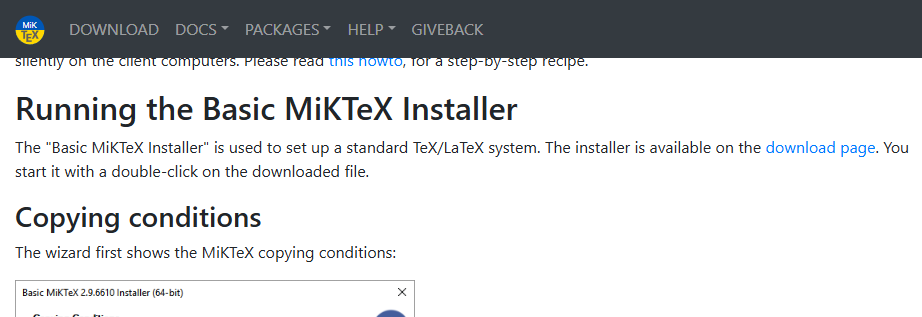
Okay, so to install LaTeX on Windows, you first have to install MiKTeX (Download link).
Download and install Strawberry Perl (Download link). This is required if you want to use VSCode as your LaTeX editor with MiKTeX.
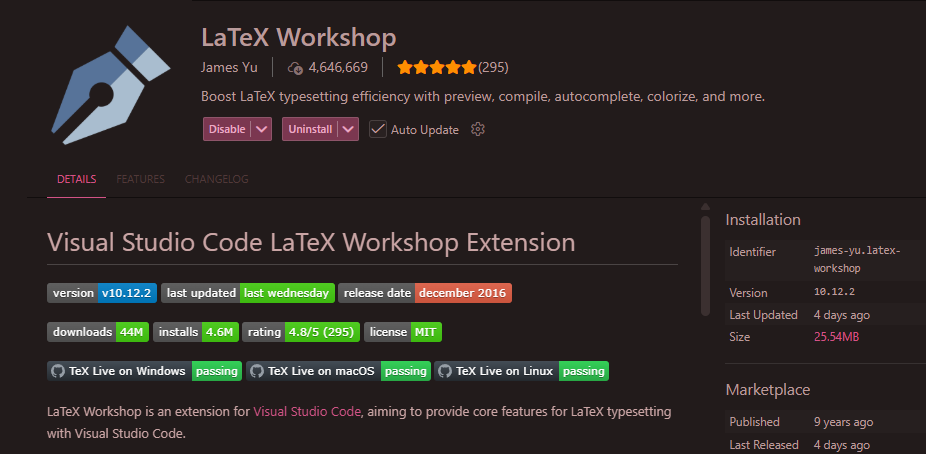
Next, install the "LaTeX Workshop" extension on VSCode. See the extension below.
Copy the following into your VSCode settings:
"latex-workshop.latex.autoBuild.run": "onSave",
"workbench.editor.enablePreview": false,
"latex-workshop.latex.recipe.default": "pdflatex -> bibtex -> pdflatex x2",
"latex-workshop.view.pdf.viewer": "tab"
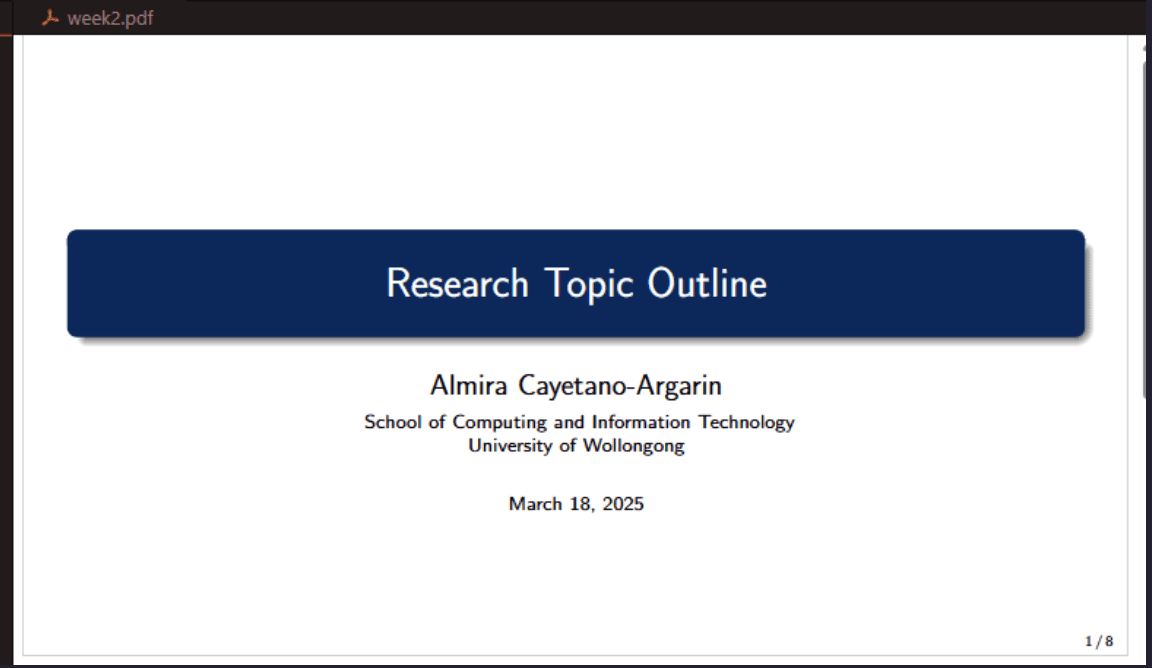
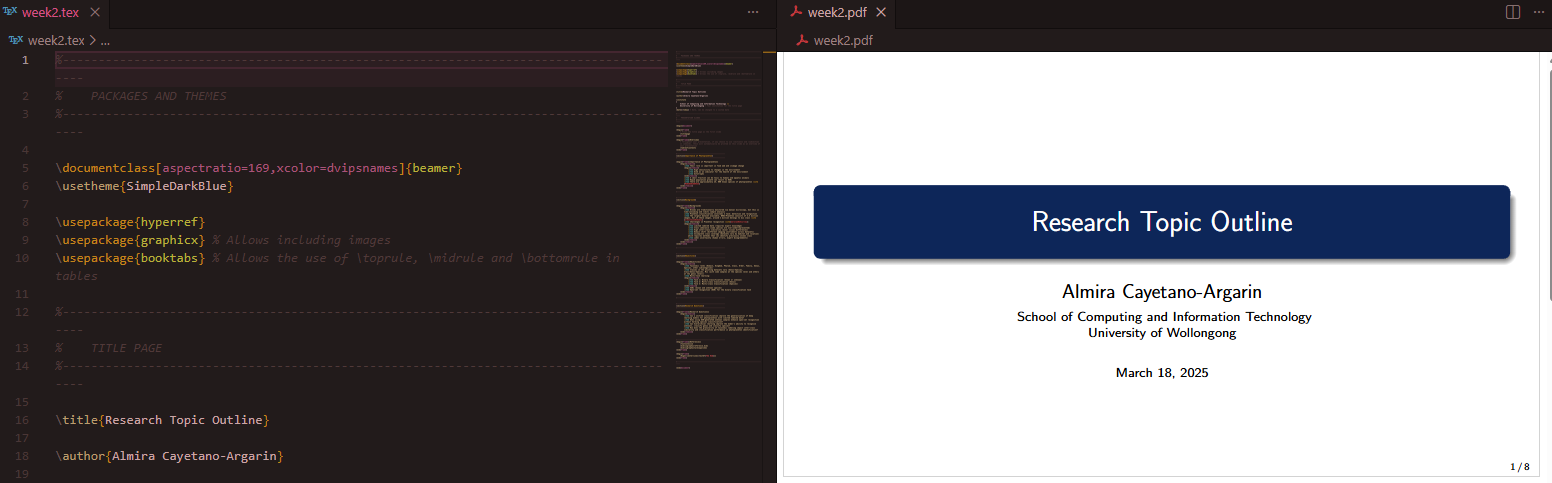
Btw, you can download the Beamer template I used (here). Below is what it looks like once you save the tex file.
Organizing my research paper writeup#
This is the hardest part, to be honest. Took me months to finally be able to write something. Thanks to my supervisor, I was able to get through it. Because even though I'd narrowed down my research area, I kept getting swayed toward related but much broader topics, especially once I started reading papers. It's pretty much like reading Wikipedia: the more you read, the deeper you get buried in the rabbit hole, and you end up not writing at all, just reading. If you don't write down what you read, it doesn't help you at all. So at first I tried taking notes as I read, but then I realized I'd have to reorganize and combine those notes again later anyway, once I actually started writing the paper for real. Which got me thinking: I should prepare my thesis outline ahead of time, regardless of whether I had content for it yet or not. This way I could organize which subtopics to look for and which topics were still missing from my report.
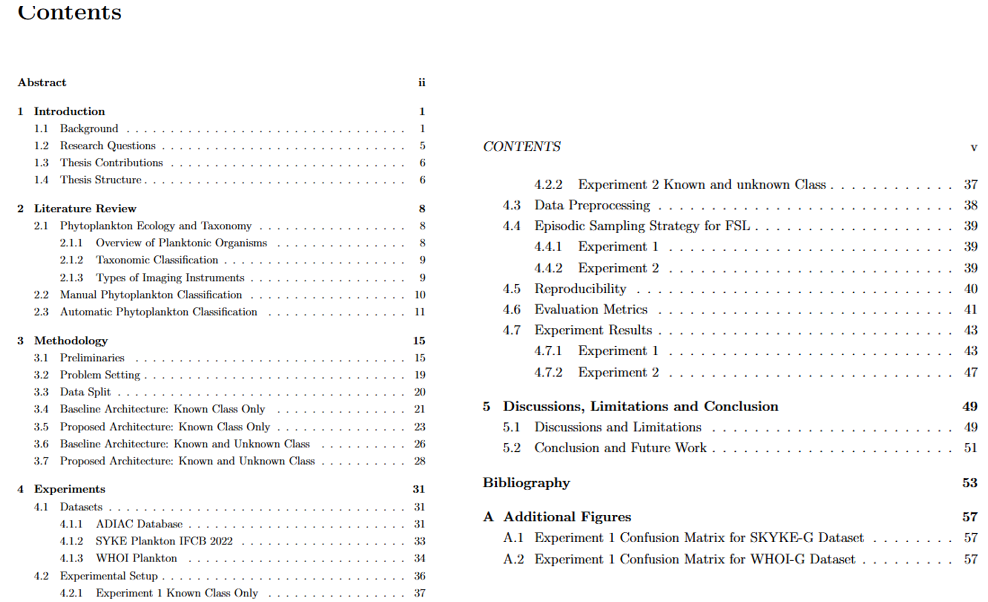
So just like I did for my presentation, I created a LaTeX project for my research writeup, outlining the topics ahead of time. Then, as I went through and read different related research papers, I wrote the actual paper at the same time. Here's my final outline. Trust me, this took a lot of revisions from my supervisor, which I really appreciate.
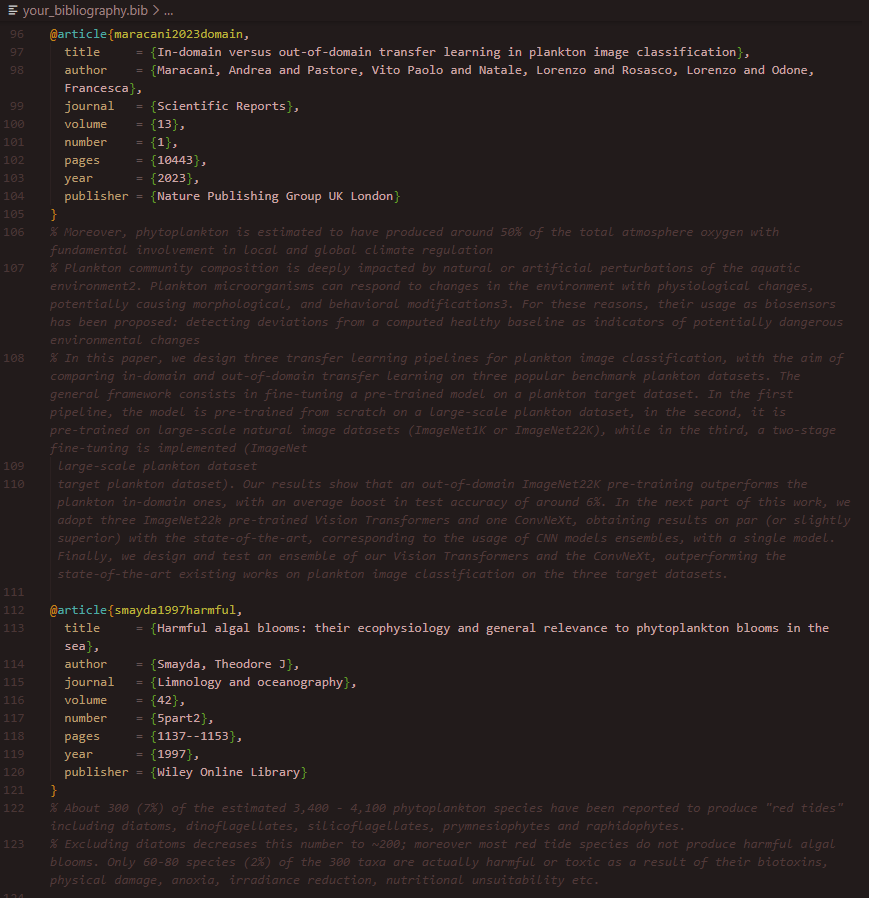
One important detail I highly recommend: copy and paste the exact phrase you're referencing straight into the bibliography file (just like below). That way you can come back to the specific paper more easily and improve your paraphrasing more accurately. In my case, there were days I found it hard to write anything, but I knew I had to do it, so I'd just paraphrase using the lamest paraphrase I could, just to get by. Keeping these exact word-for-word reference notes is what helped me go back and rephrase and refine my sentences more accurately.
Organizing my code with Jupyter notebooks#
Okay, so the last one is the coding part. This one's really case by case. For me, I'm using Python, so I find it easier to just use Jupyter notebooks to test out my experiments. There are other libraries and tools I used to keep track of my experiment results, including MLFlow, but I'll cover that properly in a future post.
Hopefully this saves someone else the weeks I spent figuring out what works. If you're starting your own thesis, or just trying to get your research workflow less chaotic, I'd start with whichever of these four is causing you the most pain right now.